Can deleting WeChat friends clean up memory? The correct way is actually …
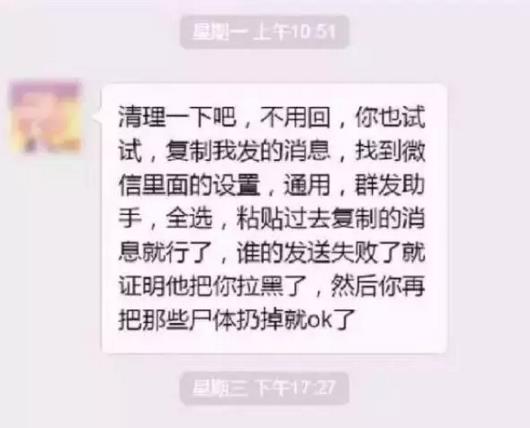
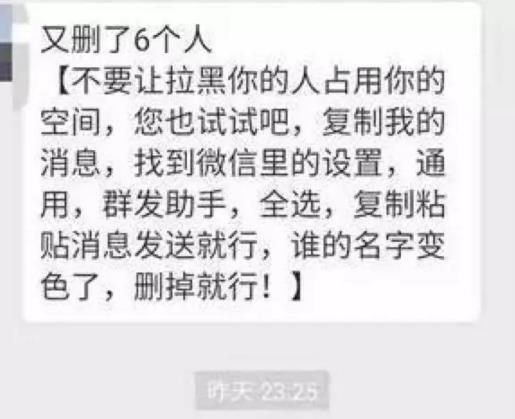
Similar to the above news, do you receive it from time to time on WeChat? There are always such people in WeChat friends who "clean up" the memory every once in a while. Some people even regard such forwarding as a task. The following is a screenshot from a circle of friends. Feel free to feel it.

How do you react whenever you receive similar news?
However, in fact, deleting all WeChat friends will not save you space. Instead of deleting people every day, it is better to uninstall WeChat directly.
What kind of WeChat can’t be accepted by you?
In addition to "daily cleaning powder", there are several types of WeChat that many people can’t accept!
"You are here and I am not" type
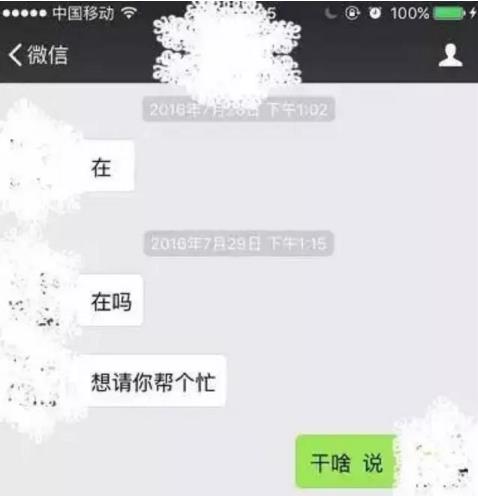
Don’t always ask me if I’m here. There’s a good saying that I am. What should I do if you borrow money from me and I have no money? What if I pretend I’m not here and you’re here to invite me to dinner? So let’s cut to the chase and talk about something!
"Like screenshot" type


How valuable is the praise obtained in this way? Has the sender considered the receiver’s feelings?
Teach you to find out "fake friends"
If you really want to see who is no longer your friend in the WeChat address book,The right wayHere’s what you should do:
Step 1: We start a group chat.

Step 2: Bring our target group into the group chat.
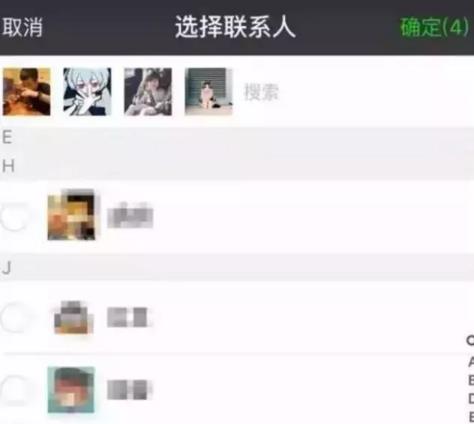
Step 3: Start the group chat now, as shown below. As long as there are non-friends in the group chat, the system will immediately remind you.
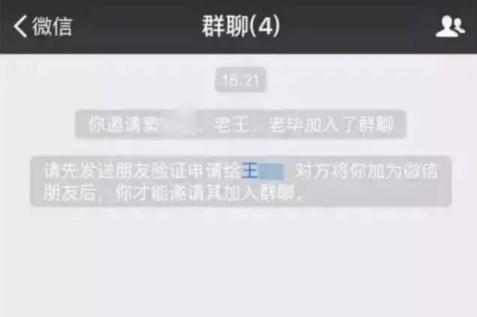
In this way, we can know which of the selected friends have deleted you.
Tip: Never send any messages in this group! If you don’t send a message, you are the only one who knows this group. Once you send a message, this group will be established! Then you just click Delete and quit, and you can leave this group quietly.

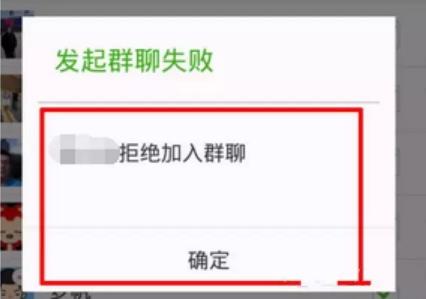
Next, you can silently delete or secretly leave those who remind you that you need to verify! If someone refuses to join when you are building a group chat, I can only regret to tell you that you have been ruthlessly blacklisted!
If you feel so troublesome and have a simple suspect, you can choose me — — Wallet — — Transfer — — Select a friend you want to test — — Enter the amount (no transfer will be made without entering the password, please rest assured) — — If there is no hint to proceed smoothly, then the other party is your friend, just return. — — When the transfer cannot be made, the TA can be deleted!
The last important thing is to say it three times: deleting friends can’t save space Deleting friends can’t save space! Deleting friends can’t save space! Don’t send it in groups! Don’t send it in groups! Don’t send it in groups!
The correct way to clean up WeChat memory is this:
Step 1: Open your WeChat, click on me in the lower right corner of WeChat, it’s simple, no screenshots;
Step 2: Click Settings. Needless to say, everyone knows this.
Step 3: Click General, and clean up the WeChat space at the bottom. See, just follow the picture below.
Step 4: Wait silently for WeChat to load … …
Step 5: Then, see, how much memory does he take up? Check it and clean it up quickly!